GlideVideo Studio
A downloadable tool for Windows
GlideVideo Studio
A local-first video toolkit for Windows creators.
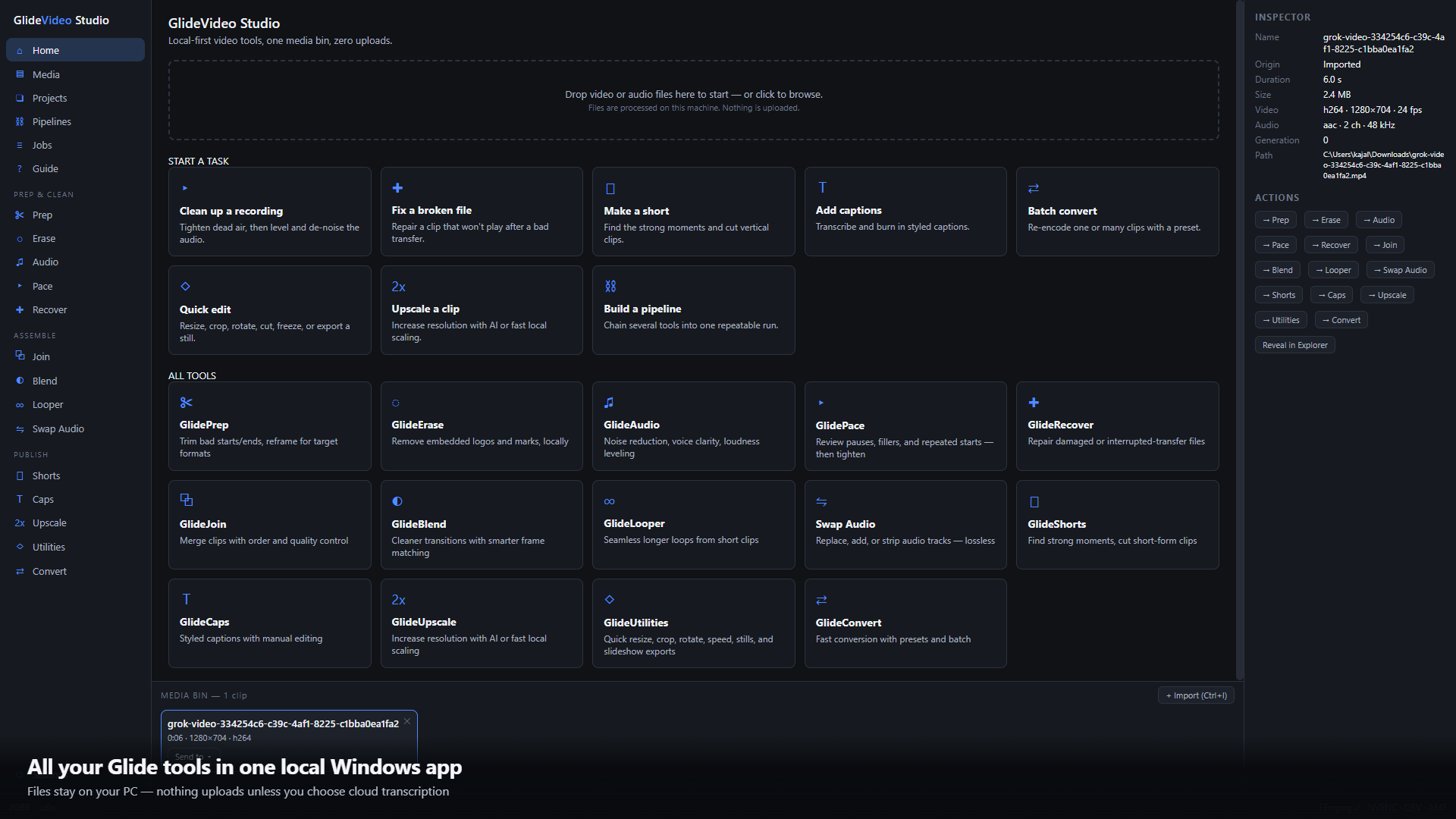
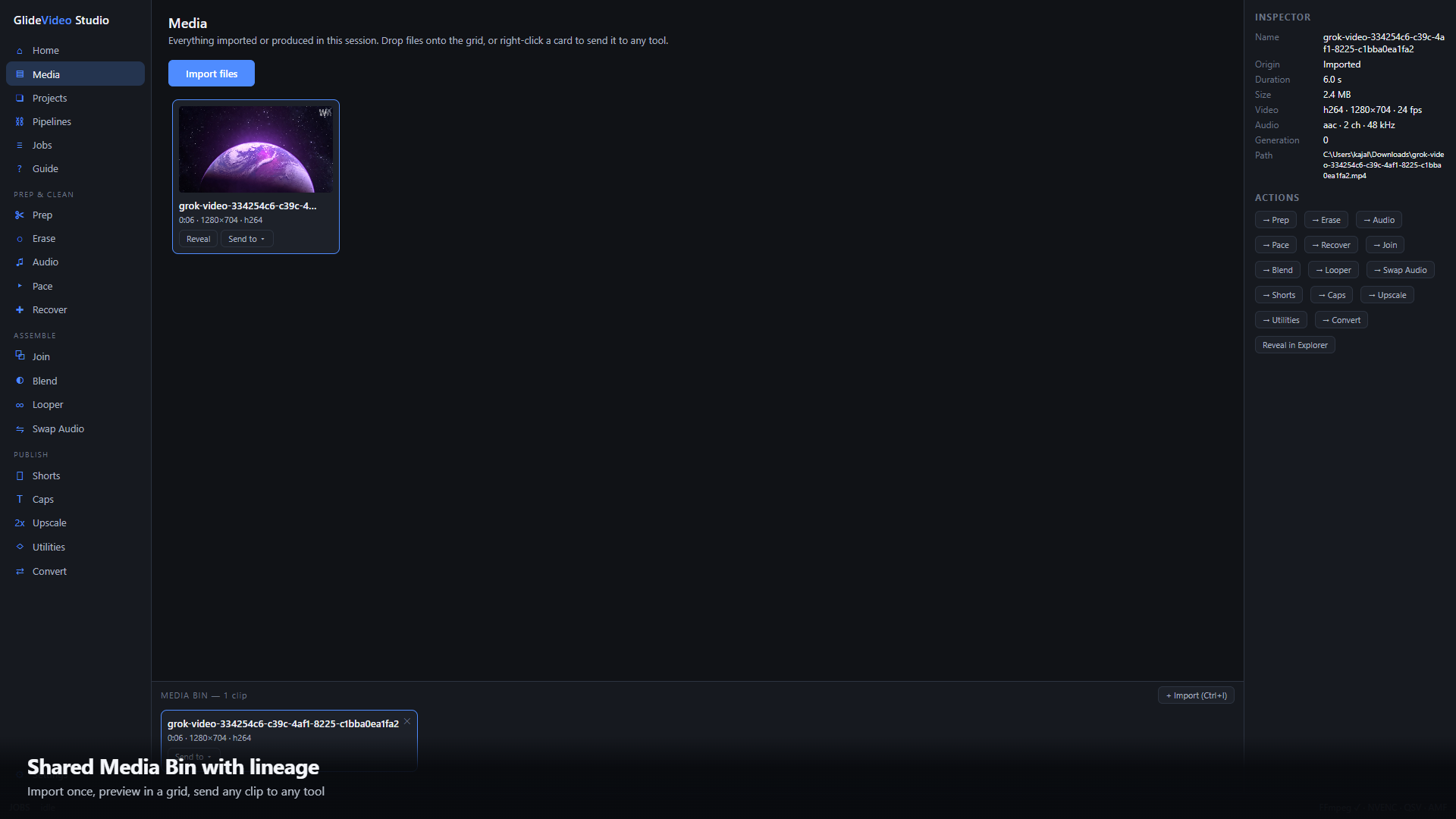
GlideVideo Studio brings your everyday video tools into one fast desktop workspace. Import a clip, send it to any tool, and keep working through a shared Media Bin. Every output stays on your PC, with lineage tracking so you can always see what came from what.
No cloud queue. No account gate. No uploading your footage just to make a simple edit.
What’s Inside
Prep & Clean
Prep — Trim edges and reframe for 16:9, 9:16, 1:1, and 4:5
Erase — Remove logos and marks with local inpainting
Audio — Reduce noise, improve voice clarity, and level loudness
Pace — Tighten pauses and dead air in spoken clips
Recover — Repair damaged or interrupted-transfer files
Assemble
Join — Merge multiple clips in order
Blend — Create smarter cuts and frame-matched transitions
Looper — Turn short clips into seamless loops
Swap Audio — Replace, add, or mute tracks, with stream-copy when possible
Publish
Shorts — Find strong moments and export social-ready clips
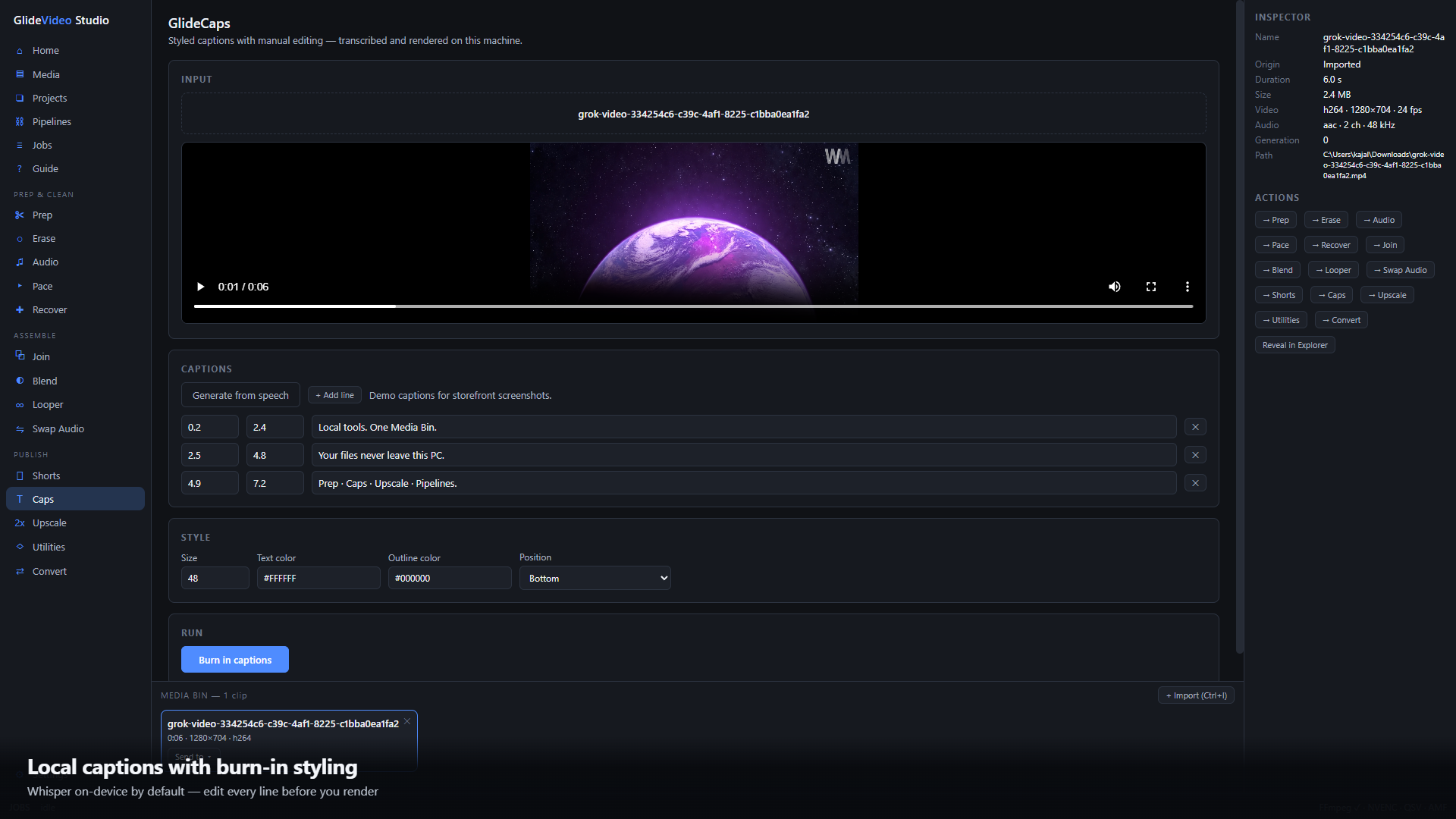
Caps — Add local Whisper captions, optional AssemblyAI transcription, and burn-in styling
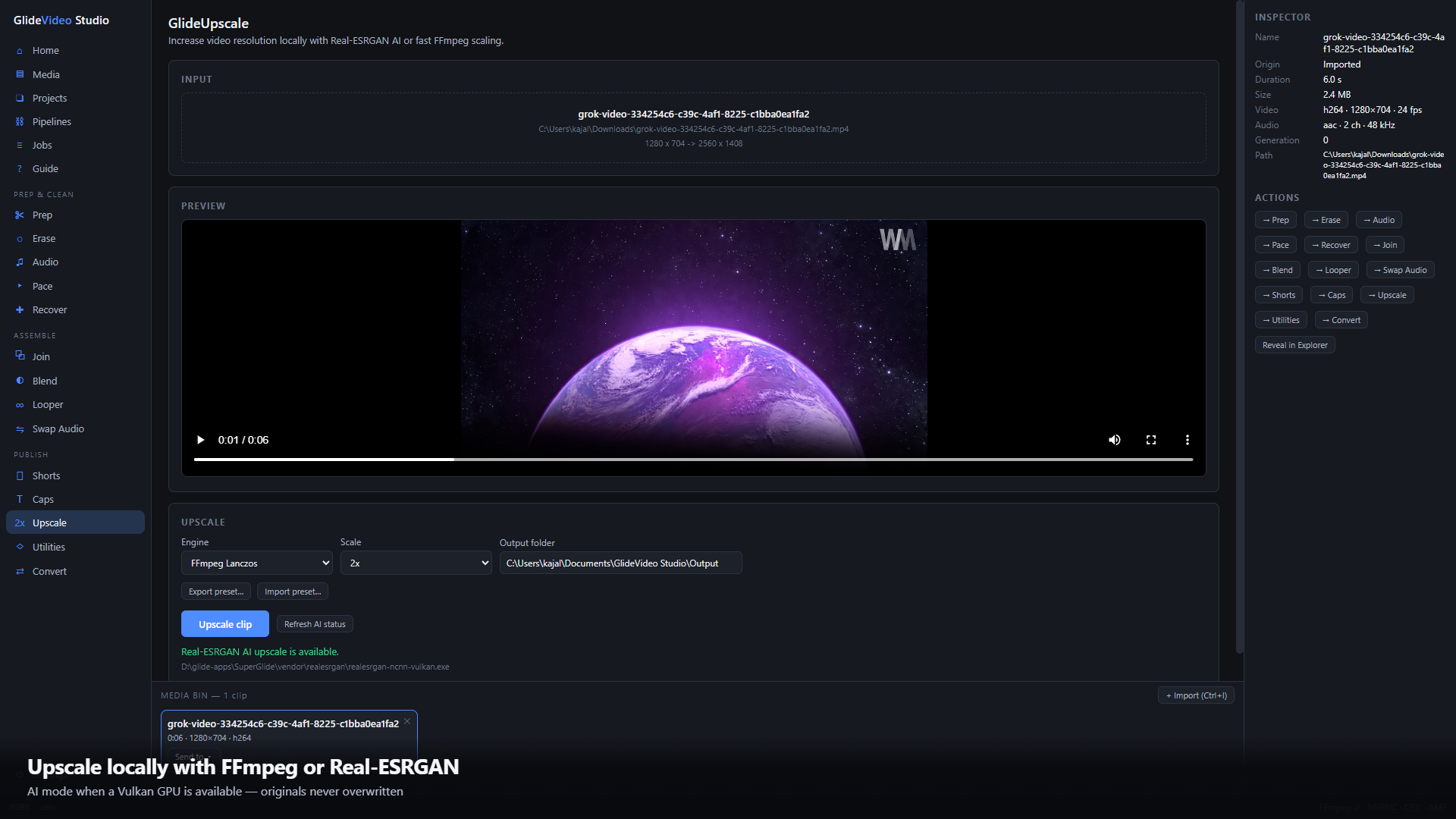
Upscale — Use FFmpeg scaling or Real-ESRGAN AI upscaling with a Vulkan-capable GPU
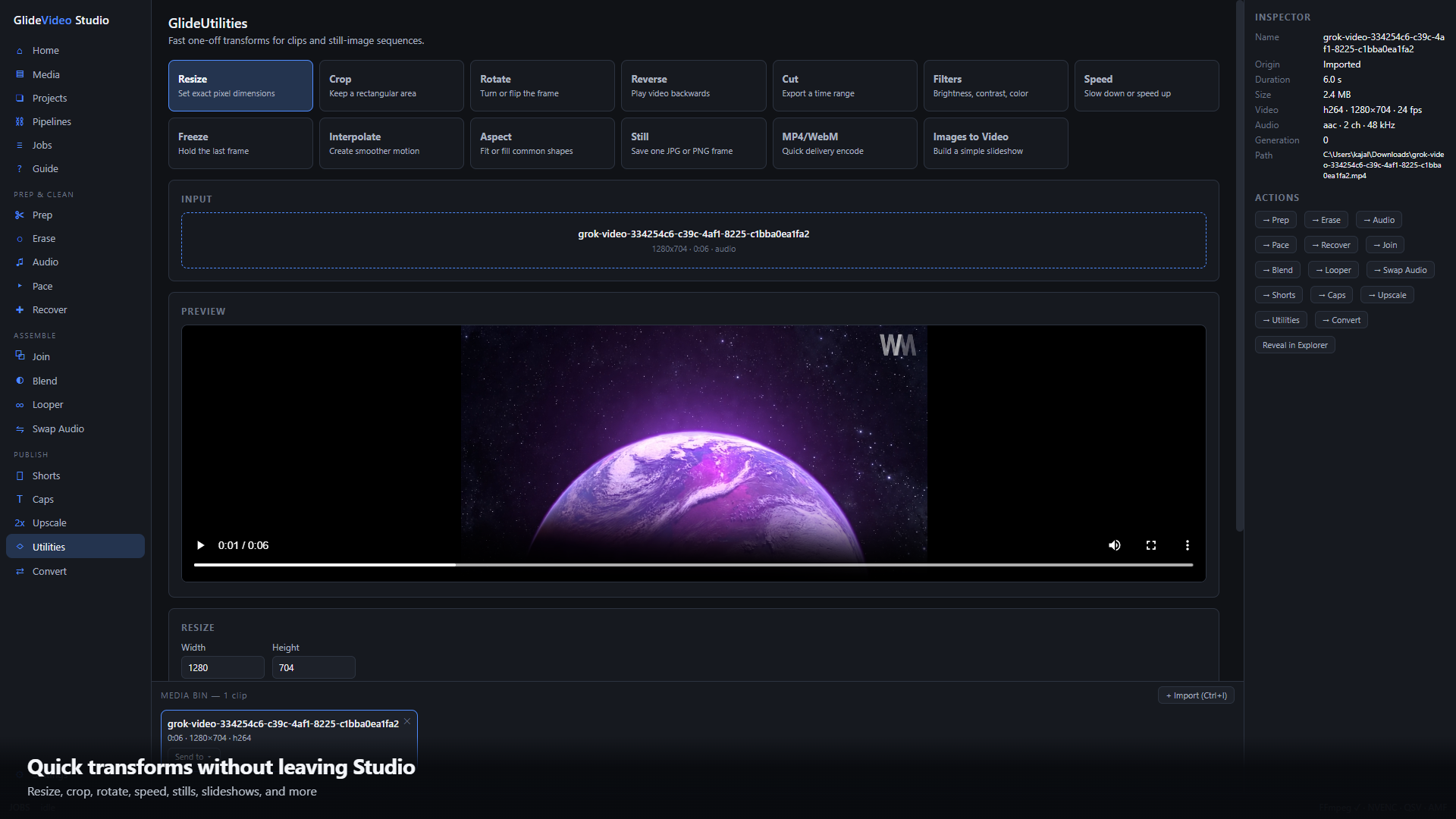
Utilities — Resize, crop, rotate, reverse, cut, filter, speed up, freeze, interpolate, export stills, and build slideshows
Convert — Use delivery presets, remux files, extract audio, or batch convert
Built For Real Workflows
Shared Media Bin — Move clips between tools with Send-to
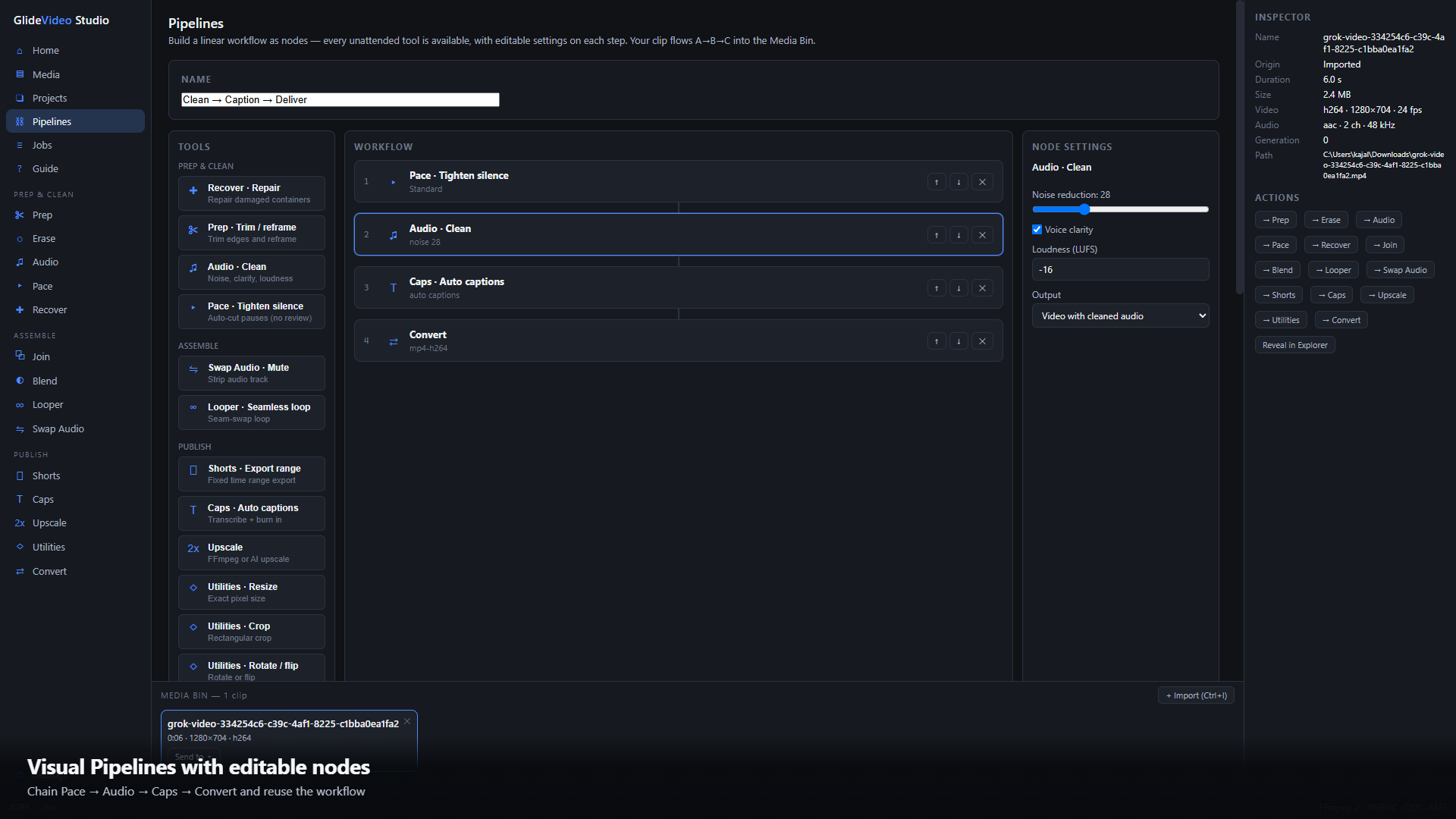
Pipelines — Build repeatable multi-step workflows with editable settings
Projects — Save and restore working sets using paths and metadata only
Presets — Export and import shareable tool settings
In-App Guide — Get setup help and choose the right tool faster
Local-First
GlideVideo Studio processes your media on your machine using FFmpeg and optional local AI. Your footage is not uploaded unless you explicitly choose cloud transcription through AssemblyAI.
Requirements
Windows 10/11, 64-bit FFmpeg, auto-detected or configured in Settings Optional Vulkan-capable GPU for AI upscaling
Purchase
In order to download this tool you must purchase it at or above the minimum price of $14.99 USD. You will get access to the following files:
Leave a comment
Log in with itch.io to leave a comment.