GlideCaps
A downloadable tool for Windows
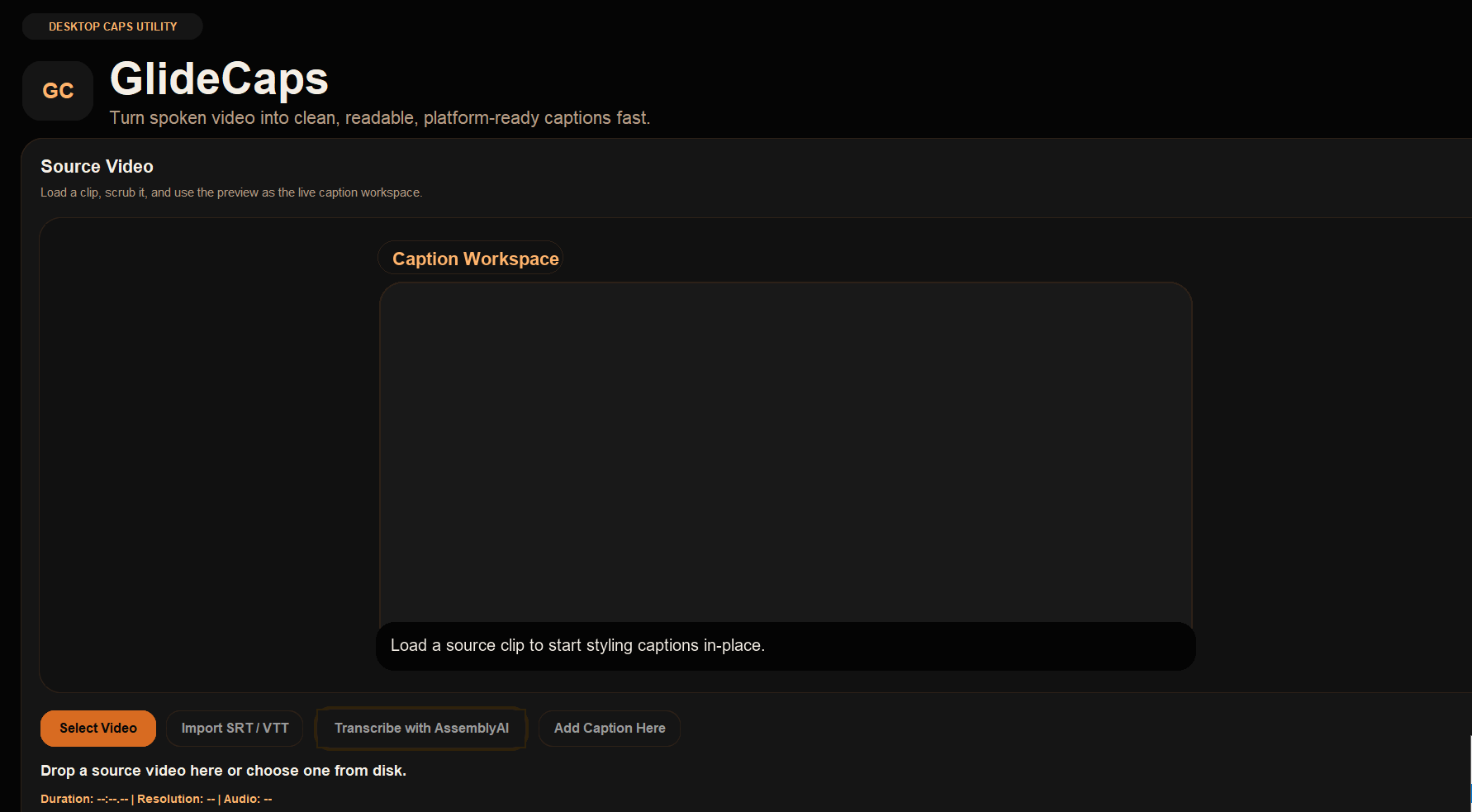
GlideCaps is a Windows desktop captioning tool for creators who want to add clean, styled text to videos and shorts without opening a full editing suite.
Load a video, create caption blocks manually or import them from SRT or VTT files, adjust timing and text, style the captions visually in the preview workspace, and export a finished captioned MP4 locally on your PC.
GlideCaps also includes optional AssemblyAI cloud transcription. If you choose that workflow, the app extracts audio locally and uploads audio only for transcription, not the full video file.
WHAT GLIDECAPS DOES
- Add and edit caption blocks manually
- Import caption files from SRT or VTT
- Adjust caption timing and text inside the app
- Style captions with different fonts, colors, outlines, backgrounds, and emphasis
- Move and resize the caption box directly in the preview workspace
- Export captioned MP4 videos locally
- Use optional AssemblyAI transcription from extracted audio only
WHY USE IT
GlideCaps is built for the stage between a finished clip and a publish-ready captioned video.
It is useful for:
- creators posting short-form content
- adding subtitles to talking videos
- styling captions for social media delivery
- quickly editing imported transcript files
- preparing videos for further editing or publishing
KEY FEATURES
- Manual caption block editing
- SRT and VTT import
- In-app caption timing controls
- Visual caption placement workspace
- Font, color, outline, background, bold, italic, and underline controls
- Export aspect and frame mode support
- FFmpeg-powered local export
- Optional AssemblyAI cloud transcription
- No separate FFmpeg install required
ASSEMBLYAI NOTE
AssemblyAI is an independent third-party provider. GlideCaps is not part of or endorsed by AssemblyAI. If you choose to sign up with AssemblyAI through the in-app link, you may receive promotional credits and Natfla Ltd may receive referral compensation at no extra cost to you.
PLATFORM
- Windows desktop app
- Runs locally on your machine
- No account required for normal use
- Cloud transcription is optional
GlideCaps is a focused captioning utility, not a full nonlinear editor. It is built to help you get from source video to clean captioned export quickly.
Purchase
In order to download this tool you must purchase it at or above the minimum price of $4.99 USD. You will get access to the following files:
Also available on

Development log
- Bug fixMar 28, 2026
Comments
Log in with itch.io to leave a comment.
App won't export captioned movie clip
Just bought this app, and wanted to try it out straight away. Loaded an MP4 movie clip, added some subtitle text from a sample SRT file, and when I tried to export the captioned file, I kept getting errors. This seemed a simple process, so I don't know what I am doing wrong, if anything. This is the console readout:
Running export command:
---------------------------------------------------------------
C:\Users\User\AppData\Local\Temp\_MEI213482\ffmpeg\bin\ffmpeg.exe -y -hide_banner -i C:\Users\User\Videos\4K Video Downloader+\Smooth Animation explained everything you need to know.mp4 -filter_complex [0:v]setsar=1,format=yuv420p[canvas];[canvas]subtitles=filename='C\:/Users/User/AppData/Local/Temp/glidecaps-7vah3qbr/captions.ass',format=yuv420p[vout] -map [vout] -map 0:a? -c:v libx264 -preset medium -crf 18 -pix_fmt yuv420p -c:a aac -b:a 192k -movflags +faststart D:\App_Overflow\Video_Editor\Video_sub_titlers\Glide_Caps\exports\Smooth_Animation_captioned.mp4
[ffmpeg] [AVFilterGraph @ 0000023d3e4ab8c0] Error initializing filters
[ffmpeg] Error : End of file
Traceback (most recent call last):
File "glidecaps.py", line 2636, in _run_export_worker
File "glidecaps.py", line 1044, in export_captioned_video
RuntimeError: [AVFilterGraph @ 0000023d3e4ab8c0] Error initializing filters
Error : End of file
---------------------------------------------------------------
Can you help?
Thanks! Let me check and get back to you asap (thanks for buying the app!)
Hey!
Thanks for flagging this. I checked it and the issue was on our side in the caption export pipeline, not with your source MP4. I’ve now fixed the app and pushed an updated build to itch, so you should be able to download the latest version from the same product page and try again.
Hi,
Still not working. The app exported OK this time, but I can't open the captioned clip (tried several players).
The console readout was too long to print here...
EDIT:
The strangest thing...I returned to the captioned clip 40 minutes later, and now it's working ok. What did I do?! Or maybe what didn't I do?
Alright, the problem was that GlideCaps could report a successful export even if the output MP4 was incomplete or corrupted. I changed the export flow so it now renders to a temporary file first, checks that the video is a real playable MP4, and only then saves it as the final output. It had an issue with file names with spaces in them. Let me know if its patched!
Thanks for helping me polish some issues! I put a discount in that only you should be able to use, if you'd like to put the other apps in your basket and just use your username as the coupon code.. surprisee! The coupon is deactivating in 24h.